



Download invoices in bulk#
Go to Invoices → Download.
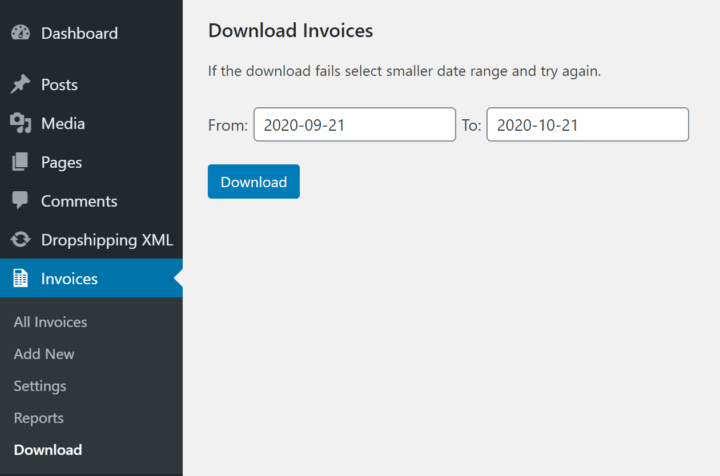
Select the time range using the From: and To: fields. The date range is based on the invoice issue date. Then click Download.
Invoices from the selected date range will be downloaded as a ZIP file. If the download fails, select a smaller date range and try again.
Downloading and printing invoices for orders#
If you want to download invoices for specific orders, read more about printing and downloading documents.