



Automatic invoicing on orders (PRO)#
The plugin allows you to issue invoices automatically for WooCommerce orders. For invoices, use the Issue invoices automatically field. For proforma invoices, use the Issue proforma invoices automatically field. In both fields, you can choose more than one order status.
Read more about Invoice Settings and Proforma Settings.
Invoice corrections can also be generated automatically after a full or partial refund for an order with a previously issued invoice. To use this option, enable the Automatic Corrections field in the correction settings.
Corrections can also be issued manually from the invoice list by selecting the Create Correction action.
Read more about correction settings.
Manual invoicing on orders#
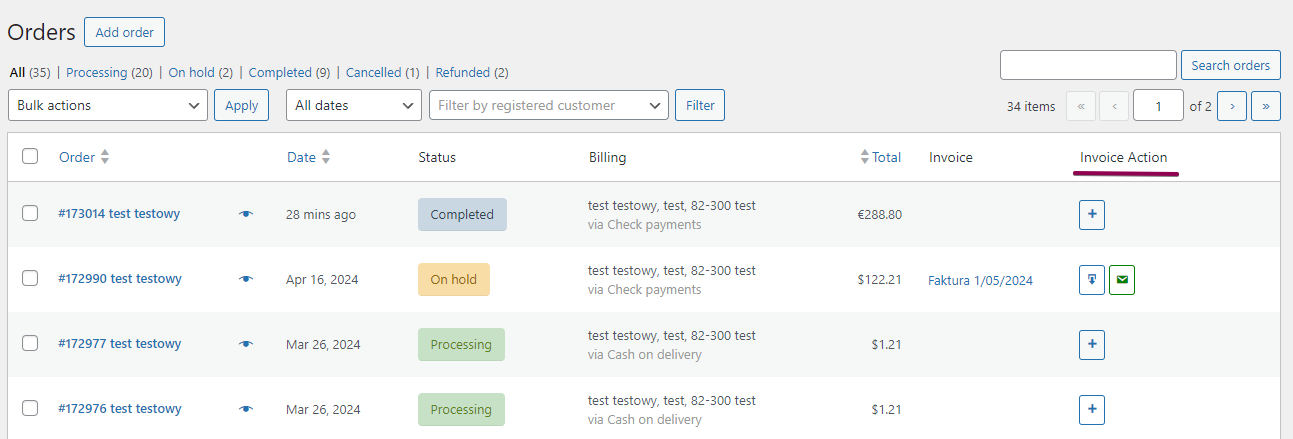
You can also issue documents for WooCommerce orders manually. To do this, go to WooCommerce → Orders and use the buttons in the Invoice Action column.
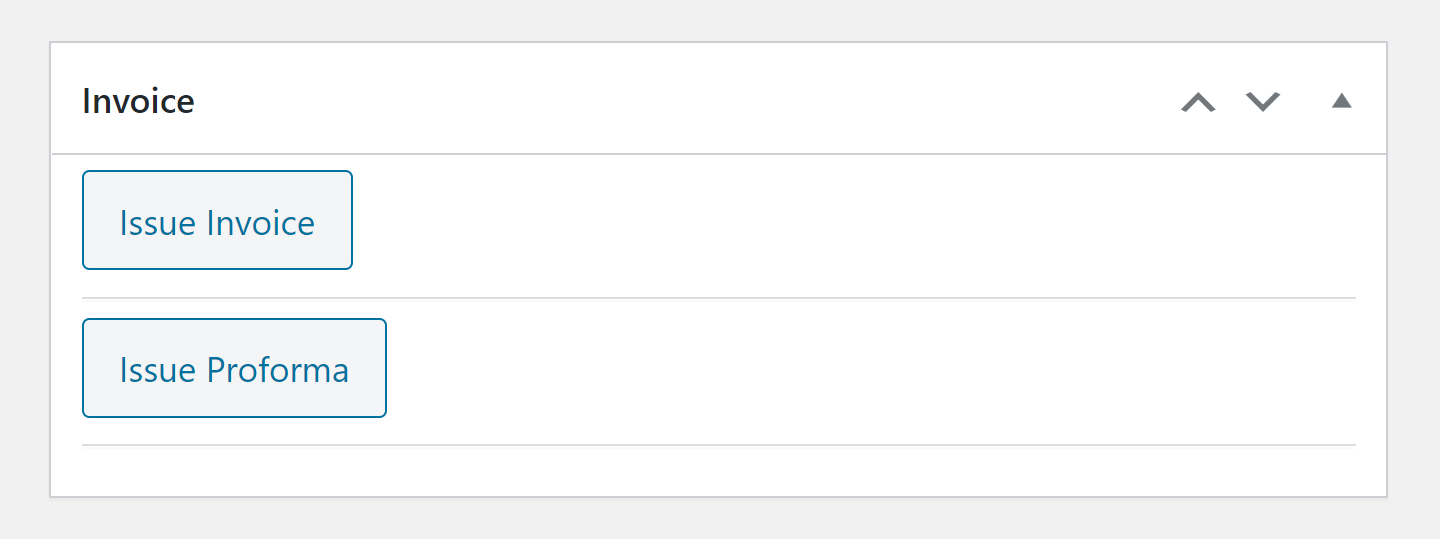
The Invoice metabox is also available inside each WooCommerce order. You can use it to issue documents directly from the order edit screen.
Read more about manual issuing of proforma invoices and invoices and manual issuing of corrections.