



This option is available if the tax value is 0% in the customer's order.
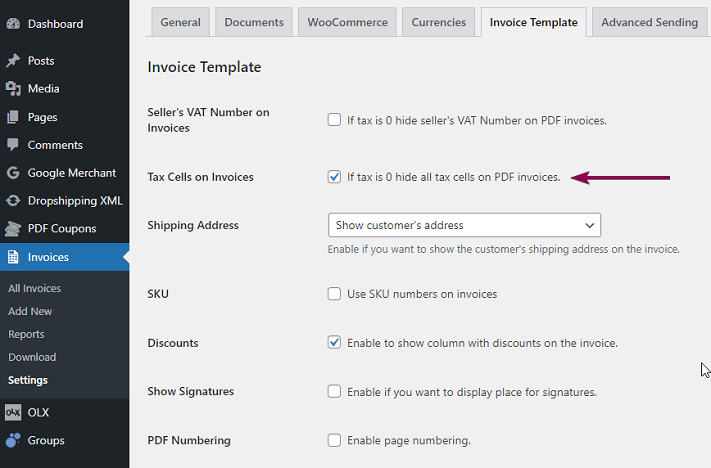
Go to Invoices > Settings > Invoice Template. Check the Tax Cells on Invoices. If the tax on the order is 0%, then the tax field will not be added to the invoice.
If you have (Beta) Gutenberg Invoice Editor enabled (in Invoices > Settings > Invoice Template) this option will be available within the template editor. In that case, please refer to this article.