



Currency#
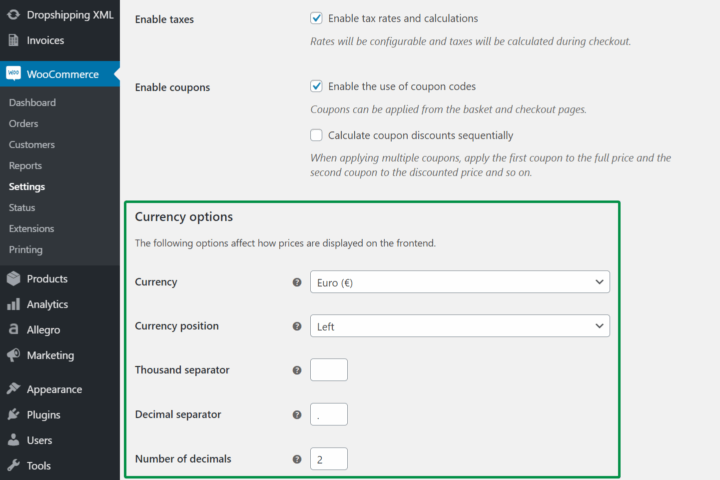
The plugin uses the store Currency. You may set it in the WooCommerce menu → Settings → General → Currency options section.
To correctly convert amounts on invoices and reports, the plugin requires that the number of decimal places is set to 2 for the currency. This is also the default WooCommerce setting.
Currency symbols#
By default, the plugin displays currency symbols. To change the standard currency symbol, for example $ to USD, you can use the filter:
add_filter('woocommerce_currency_symbol', 'change_existing_currency_symbol', 10, 2); function change_existing_currency_symbol( $currency_symbol, $currency ) { return $currency ; }