



You can find a link to the payment on the invoice and proforma issuing upon orders reaching the following WooCommerce order status:
- Pending payment
- Failed
- Canceled
If the order status is changed to In progress or Completed, the payment link will be removed from the document.
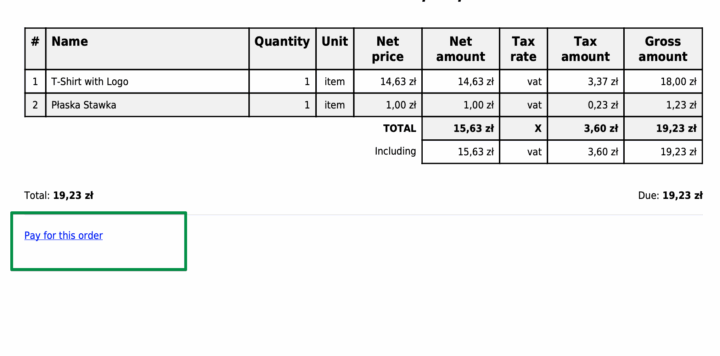
By clicking the link on the invoice, the customer will be taken to the login page (shop account required). The customer must enter the user name and password, and after that, will be redirected to the payment page for the order.