The add-on requires the Flexible Invoices for WooCommerce PRO plugin to function properly.
Settings are located on the menu: Invoices → Reports.
Configuration Page:#
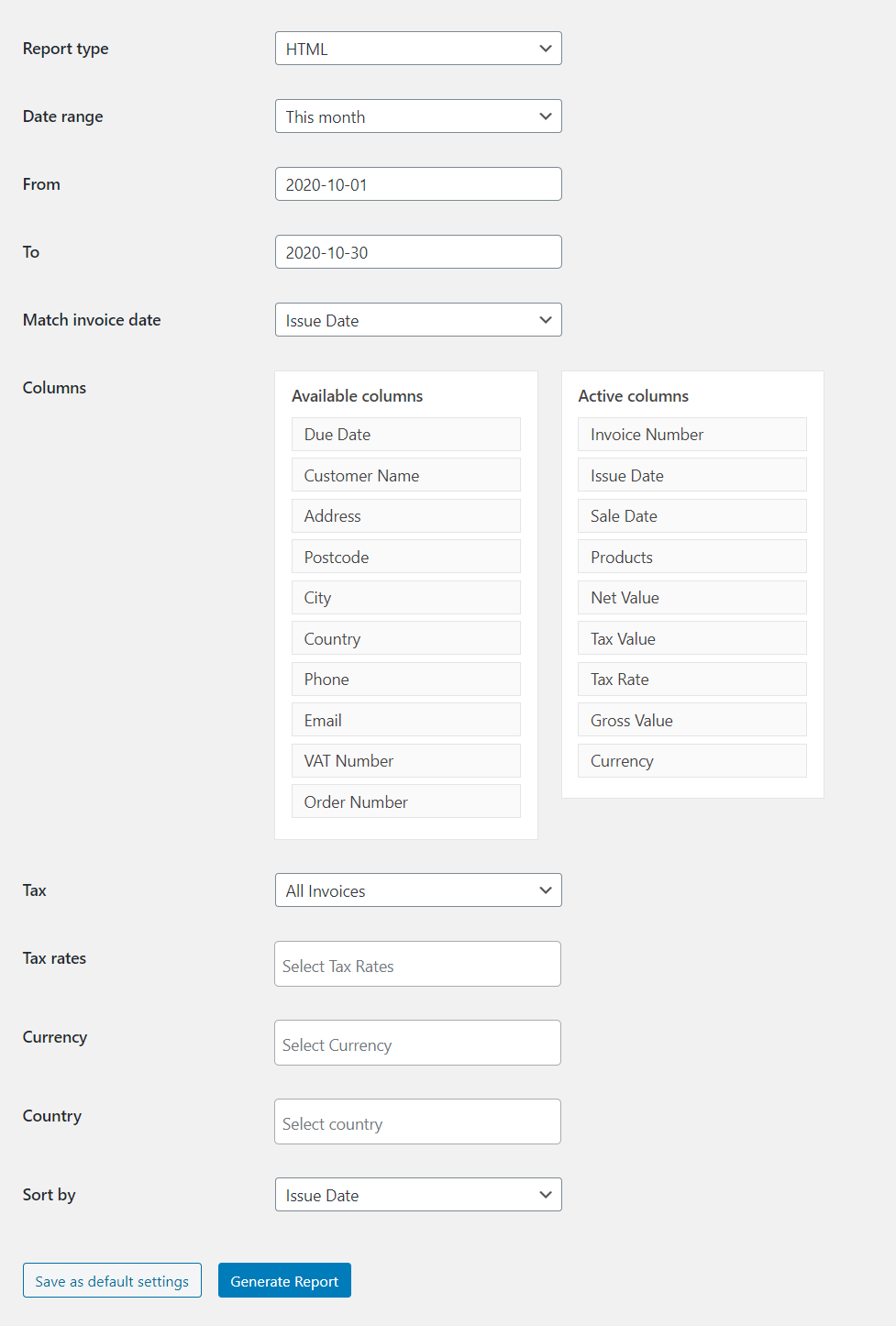
All configuration options are discussed below:
Report type#
Use file format for the generated report. You can use HTML, CSV and JPK_FA:
The HTML file will be opened in a new tab (click Ctrl + S to save it).CSV file will be downloaded to your computer. You can use eg. Excel to open it.

Date range#
Select predefined date range or Custom range and set your own range.

Match invoice date#
You can set the date from invoice to Date range.

Columns#
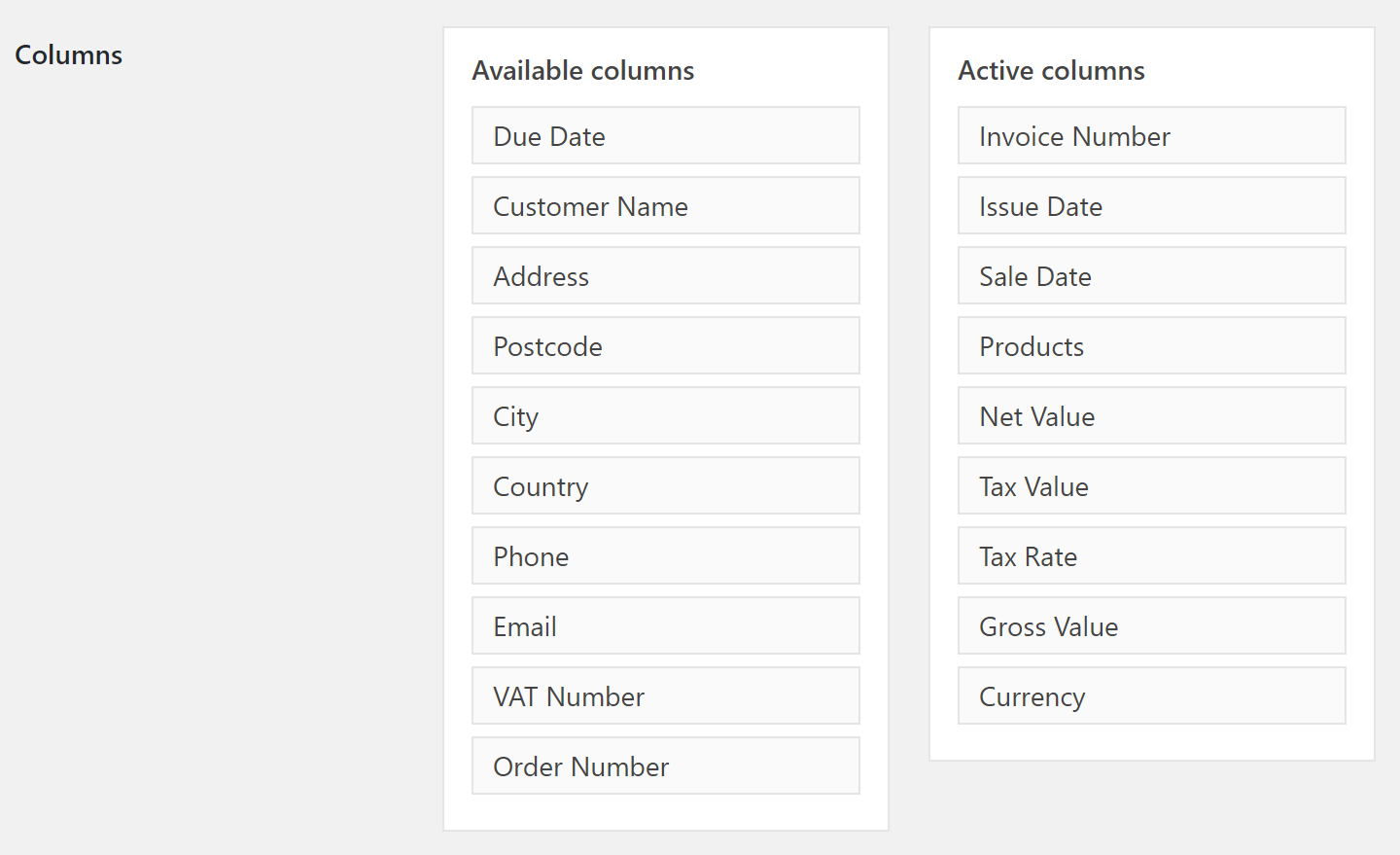
Select and sort columns that are on the reports. Just drag&drop them to the right column.
To add columns to report drag it from Available columns to Active columns.
WooCommerce Invoices#
You can choose to show all invoices, invoices for WooCommerce orders, or only invoices outside of WooCommerce.
Tax#
You can set to show in report invoices including or excluding tax.

Tax rates#
Choose which tax rates would you like to export.

Currency#
Filter by currency. Only invoices with selected currencies will be shown.

Country#
Choose the buyer's country or countries which should be exported. You can select multiple countries.

Sort by#
You can also select the date of the invoice used to sort the report.

Save as default settings#
If you set everything you can save the settings as default and generate a report by clicking Generate Report.