



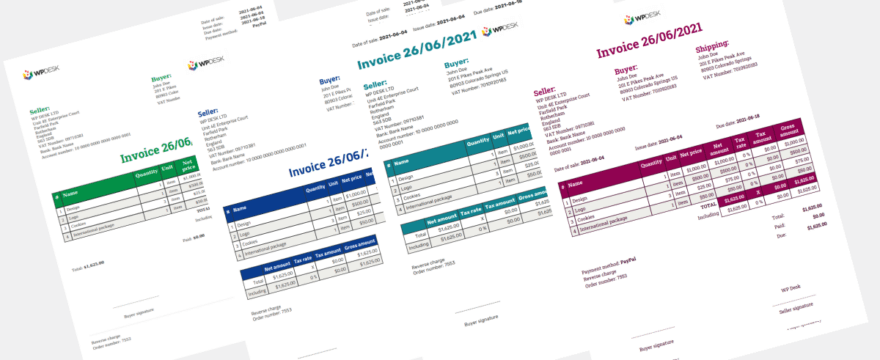

Looking for a way to automatically generate different invoice templates in WooCommerce depending on how your customers pay? Whether they choose PayPal, bank transfer, or cash on delivery — issuing tailored invoices with custom due dates and payment instructions is now possible. In this guide, we’ll walk you through how to set it up using Flexible Invoices PRO and the new Conditional Logic add-on.
Using custom templates based on conditions like payment method, country, or even order value is a game-changer for stores looking to streamline invoicing. You’ll learn how to automate the process, improve customer communication, and stay compliant with regional regulations.
Different invoice templates? (5 examples)
Using different templates isn’t just a nice-to-have. It can solve real-world invoicing challenges.
Here are five examples:
1. Different payment terms for online and wire transfers
You may want invoices paid by PayPal or Stripe to be marked as “Paid” instantly, while invoices for bank transfers should have a 7-day due date. With the Conditional Logic add-on, you can:
- Set one invoice template with immediate due date for online payments
- Assign another template with a custom due date and payment instructions for wire transfers
2. Cash on delivery orders require special instructions
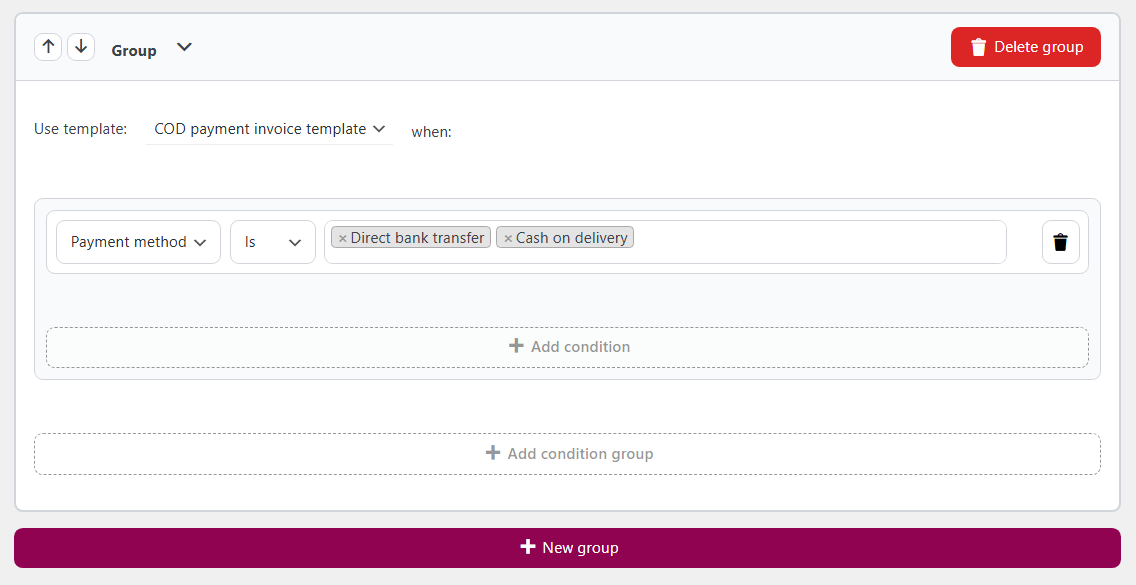
For COD orders, you can display a note like “Payment due upon delivery” and remove standard payment fields. Simply:
- Create a dedicated invoice template
- Add conditional logic: Payment method is Cash on Delivery
3. International customers get a translated invoice
Let’s say you ship across Europe. Buyers from Poland can receive an invoice in Polish, while Italian customers get Italian versions. Set conditions by buyer country and assign localized templates.
4. Different currencies, different templates
If you sell in multiple currencies, use templates that show relevant currency symbols and local tax rules. For example:
- USD invoices for US customers
- EUR templates for European buyers
5. B2B and B2C customers get tailored documents
You may want to include extra VAT info or legal disclaimers for business clients. Use VAT number detection or user role to differentiate:
- Assign professional-looking templates with tax data for B2B
- Keep it simple for regular consumers
PDF invoices based on conditions
It’s possible with Conditional Logic add-on.
Here’s your step-by-step guide:
Step 1: Install the required plugins
Make sure you have these plugins installed and activated:
- Flexible Invoices PRO
- Conditional Logic for Flexible Invoices PRO
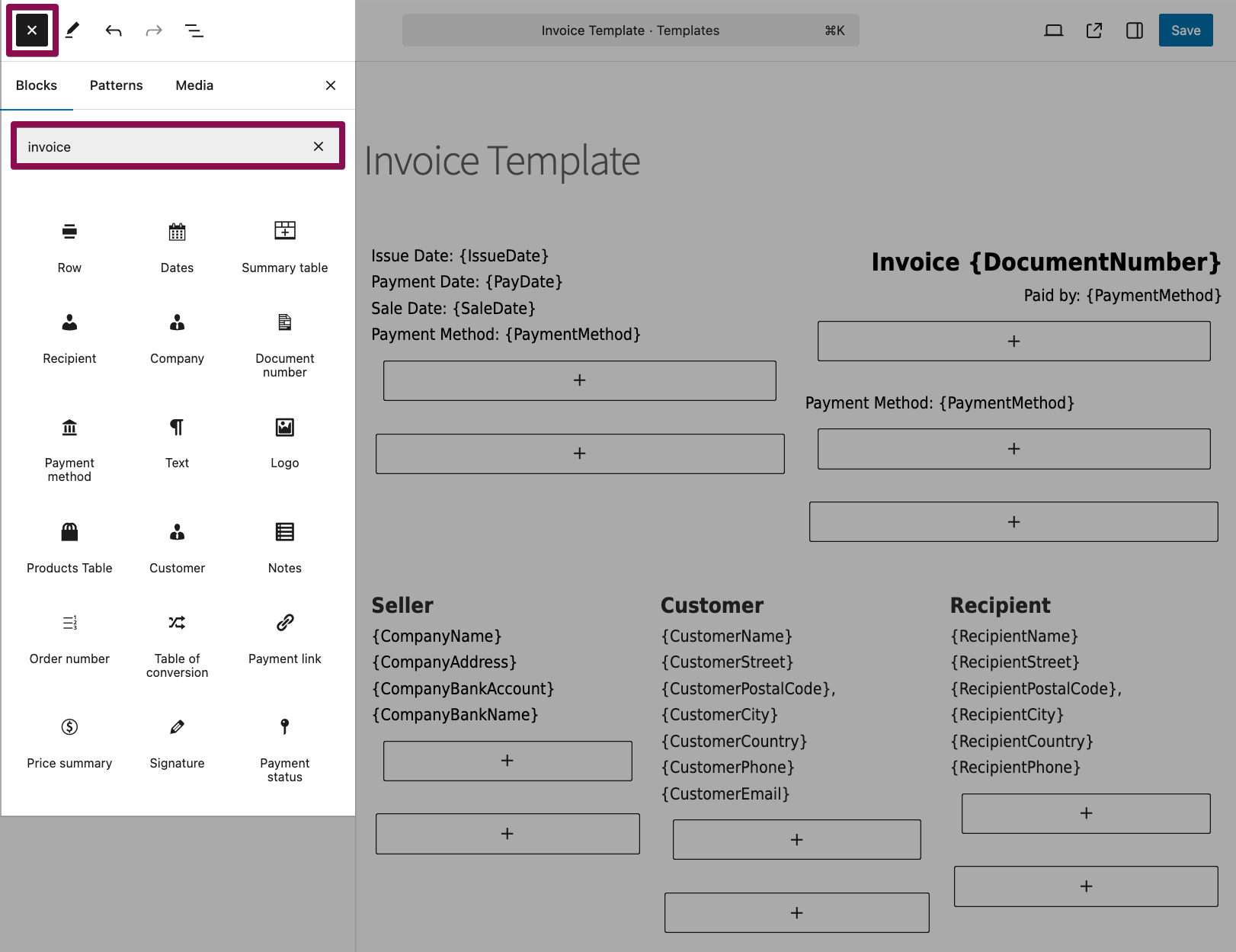
Step 2: Create your invoice templates
- Go to Invoices > Settings > Invoice Template in your WordPress admin.
- Click Add New.
- Customize the appearance, payment instructions, and footer notes.
- Save each template with a clear name (e.g., “Wire Transfer Template”).
Step 3: Set conditional rules
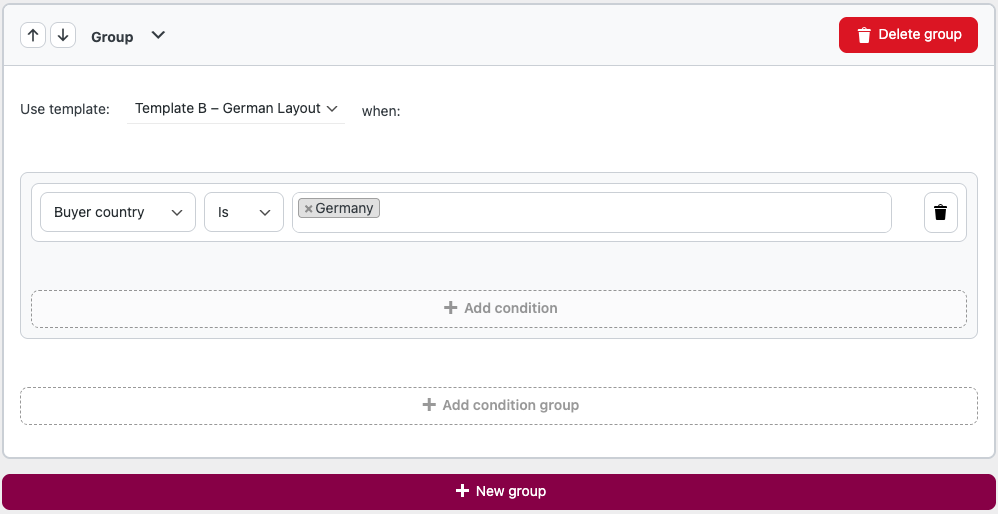
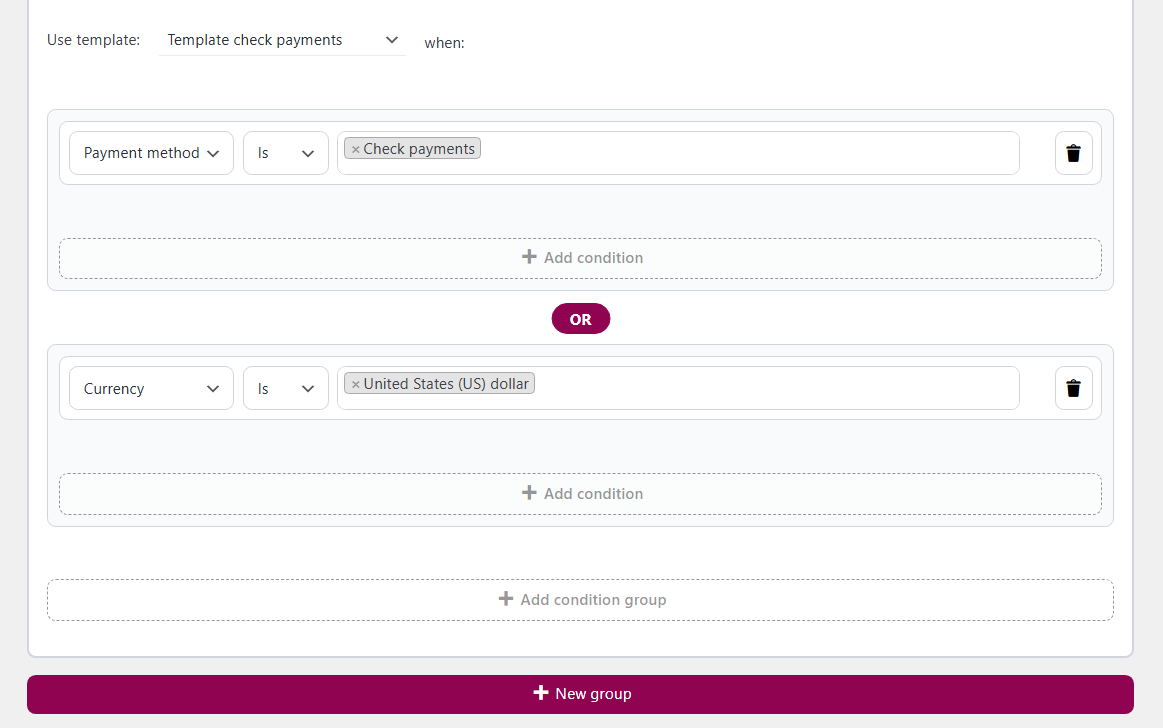
- Navigate to Invoices > Settings > Conditional logic for templates.
- Click + New group.
- Choose your condition:
- Payment method (e.g., PayPal, Stripe, Bank Transfer, COD)
- Buyer country
- Order total
- Currency
- Product or product category
- User role
- VAT number presence
- Assign the right invoice template to conditions of each group.
For example:
- IF payment method is bank transfer, THEN use “Wire Transfer Template.”
- IF country is Germany, THEN use “German Template.”
Step 4: Customize text and payment instructions
Each invoice template can include dynamic fields and personalized messages:
- Add payment due instructions: “Please pay within 7 days.”
- Include bank details for wire transfers.
- Remove QR codes or payment buttons for certain templates.
Step 5: Test your setup
- Place test orders using different payment methods.
- Go to WooCommerce > Orders (for automatic invoices) or issue an invoice for an order that meets the conditions for a different invoice template.
- Open the invoice preview and verify if the correct template is used.
It’s also possible to use OR and AND operators for condition groups.
More use cases for conditional invoice templates
1: Automatically change invoice layout for cash on delivery
- Condition: Payment method is COD
- Action: Use a template that includes a note: “Payment will be collected on delivery.”
- Extra tip: Hide unnecessary payment fields like bank account or paid stamp.
2: Localized invoices by customer country
- Condition: Country is Poland
- Action: Apply Polish-language template
- Extra tip: The Flexible Invoices plugin is compatible with WPML
3: Show business-specific data only to B2B buyers
- Condition: VAT number is entered or user role is “B2B”
- Action: Show a dedicated B2B template with legal tax breakdown
- Extra tip: Use “Reverse Charge” notices for intra-EU transactions
4: Custom templates based on order value
- Condition: Order total is greater than $1000
- Action: Display a different invoice layout and a thank-you message
- Extra tip: Add discount or loyalty voucher QR code
5: Display different templates for products from specific category
- Condition: Product category is “Subscriptions”
- Action: Use an invoice template with recurring billing info
- Extra tip: Mention cancellation policy or auto-renew terms
Summary
- Flexible Invoices PRO now supports Conditional Logic, letting you assign invoice templates based on various order details.
- You can set different payment terms, instructions, and layouts for PayPal, Stripe, bank transfer, or cash on delivery orders using custom invoice templates available with the plugin’s block-based invoice template editor.
- You may use the Conditional Logic add-on for Flexible Invoices PRO to set different invoice templates based on payment method, country, order value, currency, product category, user role, and VAT number.
- You can see the plugin features or test Flexible Invoices and add-ons in a free demo.
Conditional Logic for Flexible Invoices PRO £29
Conditional Logic is a Flexible Invoices WooCommerce PRO add-on that allows using different invoice templates based on conditions e.g. country, currency.
Add to cart or View Details