



Automatic PDF invoices in WooCommerce
Would you like to set automatic PDF invoices WooCommerce? Or to benefit from bulk invoicing based on the WooCommerce order status? Check all automatic functionalities of the Flexible Invoices for WooCommerce PRO plugin.
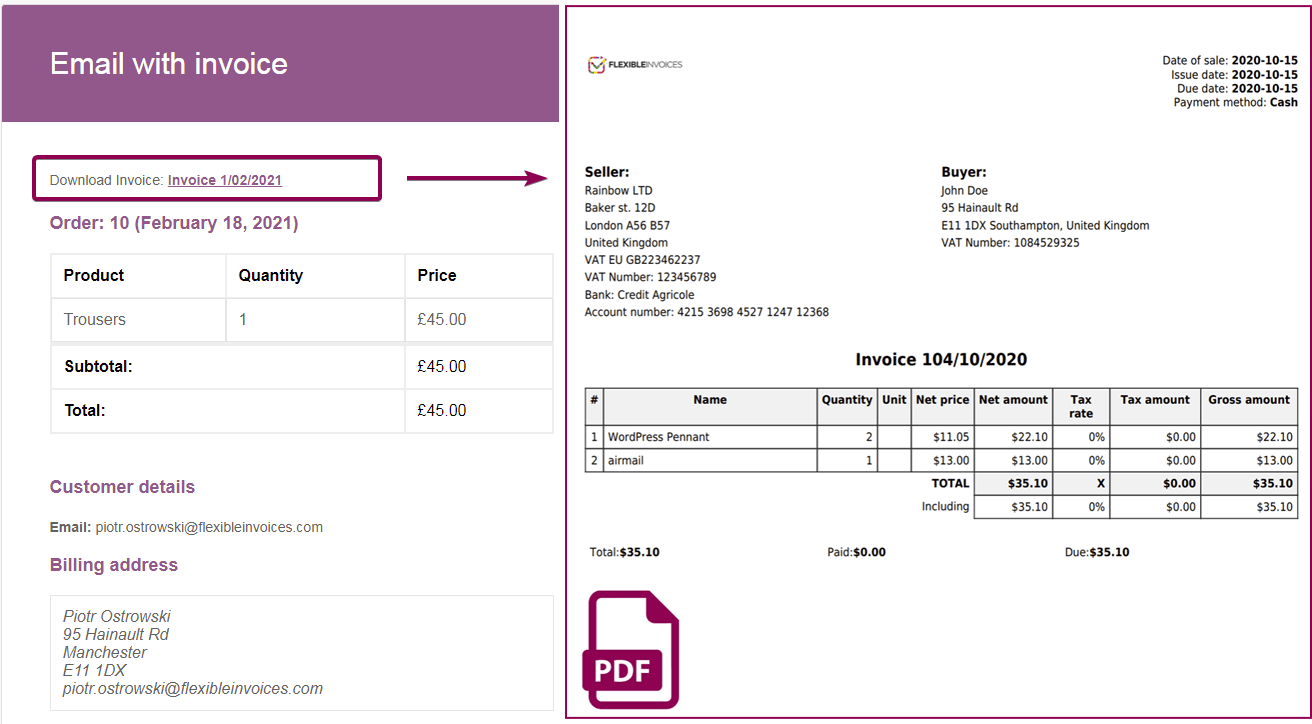
See how to create and send WooCommerce PDF invoices automatically.
Use the plugin to save time and automate the invoicing process in your store.
Automatic PDF invoices in WooCommerce
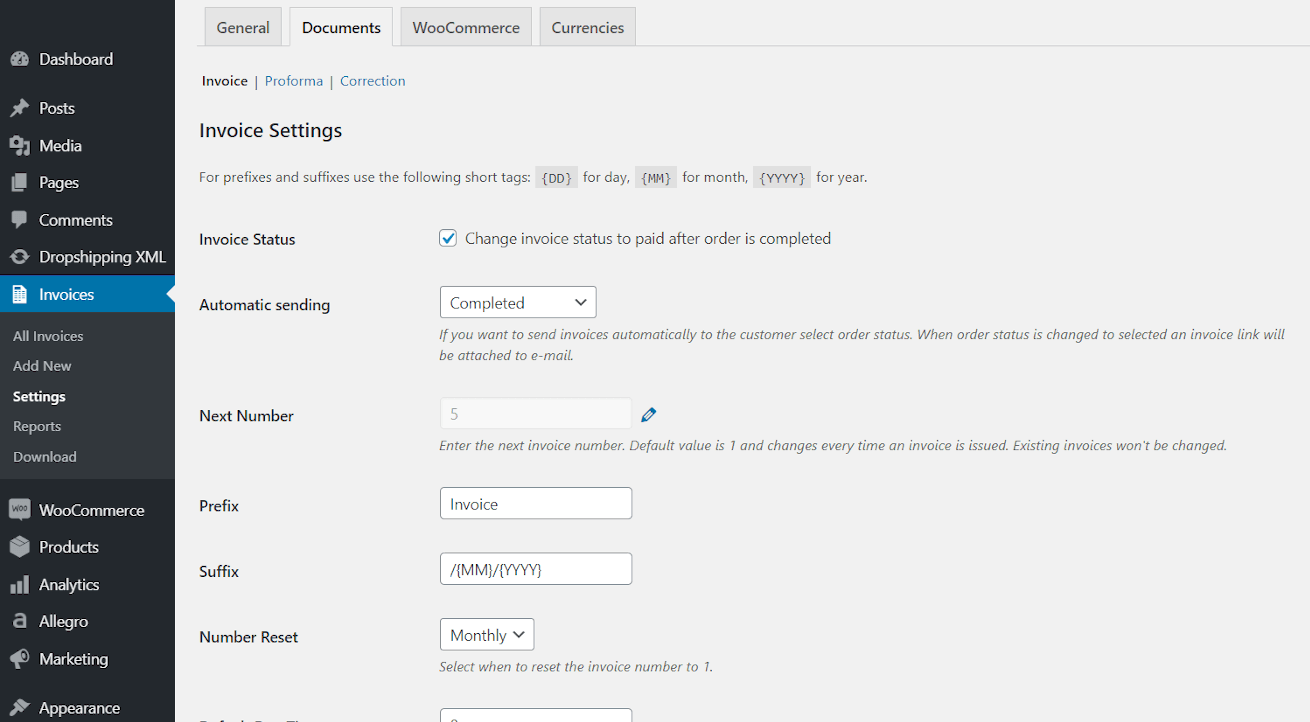
Choose the order status when the plugin will issue and send PDF invoices automatically for WooCommerce orders. Now with the Flexible Invoices for WooCommerce PRO plugin.
Automatic PDF invoices based on the WooCommerce statuses
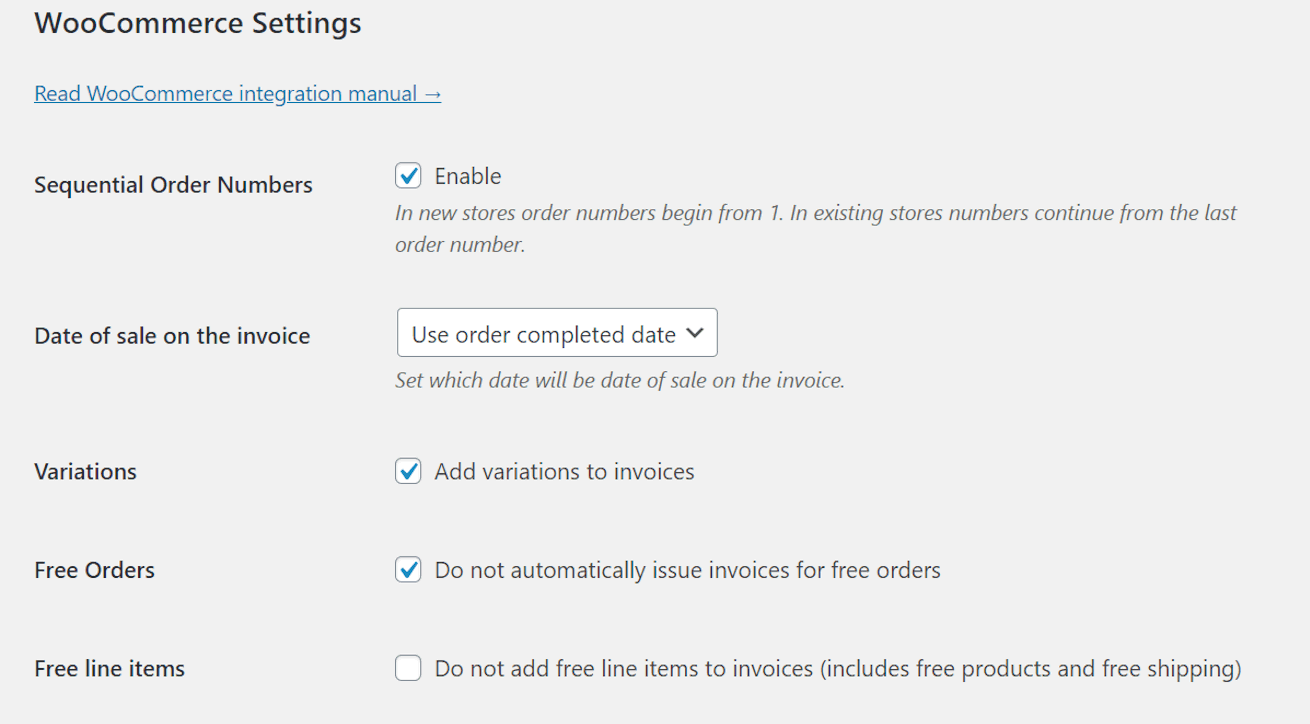
You may set the order when a WooCommerce invoice will be generated.
Send invoices automatically
You may send automatic emails with PDF invoices.
3 types of documents
Choose statuses for WooCommerce invoices and proforma invoices. The correction invoice is issued after the refund is made.
Flexible Invoices for WooCommerce PRO have these functionalities
- Issue PDF invoices based on the WooCommerce order statuses
- Automatically send an invoice by email
- Manual invoices outside WooCommerce as well
- Use and customize Proforma, Invoice itself, and Correction invoices
- Email sent automatically with WooCommerce PDF invoices
- Download invoices in bulk directly from the Invoices menu
Flexible Invoice PRO Add-ons
-
Advanced Filters for Flexible Invoices PRO
Advanced Filters is a Flexible Invoices WooCommerce PRO add-on that give you the flexibility to manage your document list.
-
Advanced Reports for Flexible Invoices PRO
Advanced Reports is a Flexible Invoices WooCommerce add-on that delivers CSV file reports with your WooCommerce invoices.
-
Advanced Sending for Flexible Invoices PRO
Advanced Sending is a Flexible Invoices WooCommerce PRO add-on that automates document export and communication with the accounting office.
-
Advanced Templates for Flexible Invoices PRO
Advanced Templates is a Flexible Invoices WooCommerce PRO add-on with which you customize your invoice by changing templates, fonts, and colors.
-
Conditional Logic for Flexible Invoices PRO
Conditional Logic is a Flexible Invoices WooCommerce PRO add-on that allows using different invoice templates based on conditions e.g. country,
-
PEPPOL for Flexible Invoices PRO
Simple generation of invoices in the Peppol standard directly from WooCommerce.
Download ready-to-use UBL (XML) files from the invoice edit screen,
Pricing
Automatic invoicing for WooCommerce orders is a part of Flexible Invoices for WooCommerce PRO and is available also in the bundle with all the add-ons.
Basic
free Free forever
- No add-ons
- Manual invoices
- Basic features
- Limited support at WP.org forums
Flexible Invoices All Plugins Bundle
£99 / year Billed yearly, cancel anytime
- Includes Flexible Invoices PRO
- Update & Support for 25 sites
- Priority 1-on-1 support
- Unlimited downloads
Flexible Invoices PRO
£59 / year Billed yearly, cancel anytime
- Update & Support for 1 Site
- Premium 1-on-1 Support
- Unlimited downloads
- All core features included